
How to Search for a Minnesota Warrant
Minnesota splits its warrant information across separate channels. Public court cases sit in one system. Law-enforcement warrant data sits in another. Service questions go to the local agency. Minnesota Court Records Online (MCRO) is a free District Court case search, not a statewide active-warrant roster. A separate warrant file at the Minnesota Bureau of Criminal Apprehension (BCA) is limited to authorized criminal-justice network users under Minnesota Statutes section 299C.115. It is not a public name search. The issuing county's District Court Administration holds the case record, while the Sheriff's Office or jail explains service, surrender, and bond logistics. Gather the correct legal name and any case or citation number first. A date of birth and the county help tell similar cases apart. A close name match is not confirmation. For your own matter or a relative's, read the register of actions and the case-specific Warrants section, then contact the issuing court. If a warrant may affect a planned appearance, speak with a lawyer before acting on an online result.
- Search MCRO by name, case number, citation number, or attorney. Use the county selector to narrow the court location, and check both the Register of Actions and any case-specific Warrants section.
- For a name search, use the person’s correct spelling. MCRO supports a trailing asterisk after at least two characters, but not with “Sounds Like.” A known case or citation number can help when a pending case is not returned by name.
- Open the issuing county through the Minnesota county directory. Ask District Court Administration to confirm whether the warrant is active and what court action is required.
- Contact the county Sheriff’s Office or jail for operational details such as surrender location and accepted bond method. A sheriff search, where offered, covers that county’s published information only.
- If the record remains unclear, ask the court about courthouse access or make a focused data request to the agency that holds the record. For legal advice about an appearance or motion, contact counsel.
Note: MCRO name-search absence is especially weak for pending criminal, traffic, or petty-misdemeanor cases before conviction.
Start with MCRO Search Options
MCRO gives a Minnesota user four search tabs: Name, Case Number, Citation Number, and Attorney. The location defaults to statewide. Choosing a single county narrows the court query. The citation tab helps when a family member kept a ticket or court notice, since it searches by the number printed on that notice. The portal is free and requires no registration. It returns public case information under court-access rules, so statewide reach does not mean every file or warrant can be viewed remotely. The MCRO search interface adds optional name details, filing date, case category, case status, and court location controls. Keep the query narrow and tied to the case at hand. MCRO is not a general criminal-history product, and it prohibits automated data-mining. The blank Minnesota MCRO search form lays out those tabs and input controls before any result appears.
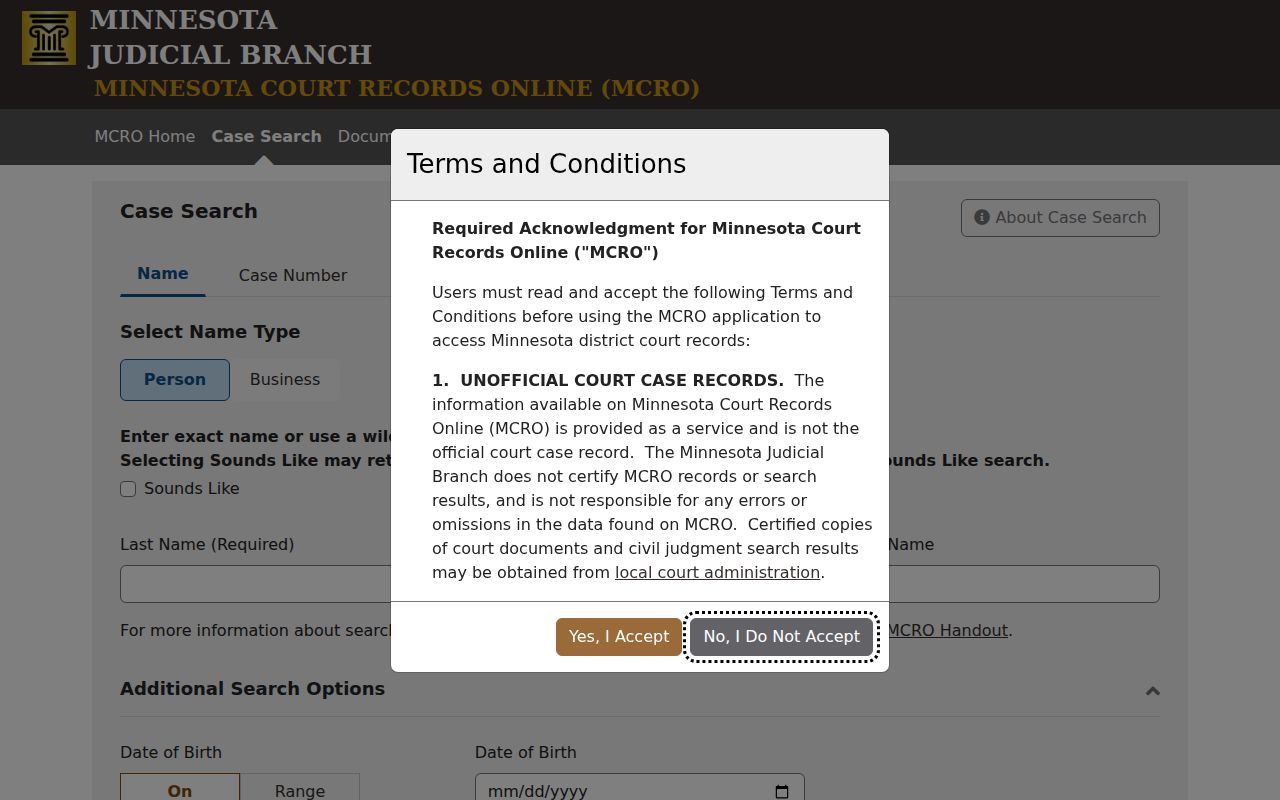
The form can locate a public case. It does not decide warrant status or list every Minnesota warrant statewide.
Minnesota Warrant Search Fields
These MCRO fields belong to a court-case search, not a statewide Minnesota warrant form. Start with the field that matches what you already hold. A case number or citation number can reach the right file even when a name search returns no open criminal, traffic, or petty-misdemeanor matter. Name controls narrow a query. They cannot override remote-access limits or privacy rules. The court location list spans all 87 counties. Picking one filters the case search; it does not identify counties that report into any public warrant database.
| Field Label | Type | Required | Notes |
|---|---|---|---|
| Name | Tab or button | No | Search person or business name using the selected name type. |
| Name type | Selector | No | Person or business search mode. |
| Last name | Text | For name mode | Exact spelling or trailing asterisk after at least two characters; wildcard cannot be combined with Sounds Like. |
| First name | Text | No | Optional narrowing field. |
| Middle name | Text | No | Optional narrowing field. |
| Sounds Like | Checkbox | No | Similar-name search; incompatible with the trailing wildcard. |
| Date of birth | Date control | No | Exact date or date range to help distinguish people. |
| Date filed | Date control | No | Optional exact date or date range. |
| Case category | Checkboxes | No | Civil, Criminal, Family, or Probate/Mental Health; category does not remove access limits. |
| Case status | Dropdown | No | A status control appears, but its exact option list did not render in the text capture. |
| Court location | Multi-select county list | No | Statewide default or a selected Minnesota county and court location. |
| Case Number | Tab or button | No | Direct case-file search; number generally encodes county, case type, two-digit year, and sequence. |
| Citation Number | Tab or button | No | Use the number printed on the ticket. |
| Attorney | Tab or button | No | Search by attorney name or identifier. |
| Find / Clear | Buttons | No | Submit or reset the form. |
MCRO offers no warrant-number search field and no warrant-status filter. A court-file example such as CC-CR-YY-sequence shows a format only. It is not a warrant identifier or a sample person's file. Minnesota case numbers vary by county code, case type, year, and sequence.
Minnesota Warrant Flags Need Case Review
A party-level active-warrant flag in Minnesota MCRO can attach to a different case than the one currently on screen. Treat it as a prompt, not an answer. Check the case number and location, then open the full court file. The Register of Actions comes first. Look next at the case-specific Warrants section when one is available. The Judicial Branch's MCRO case-detail handout walks through the record sections, though it sets out no fixed public warrant row and no universal status code. If the flag seems to concern another matter, ask the county Court Administration to identify the relevant file rather than assuming the current case has an active warrant. Court status and the sheriff's service information do not always update on the same schedule. The Minnesota Judicial Branch overview of MCRO describes what public case access includes and where its limits sit.
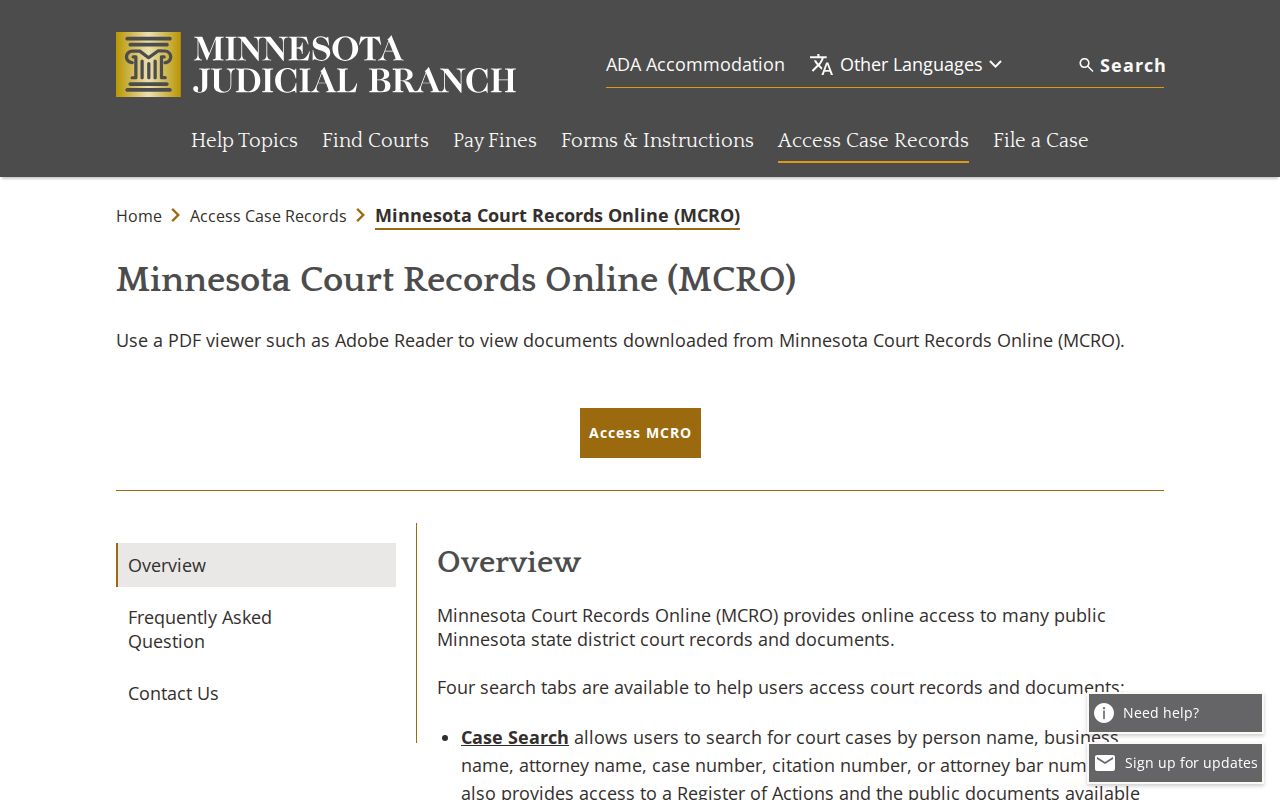
The overview supports reading each Minnesota case on its own, not a claim that every warrant shows through the remote portal.
What a Minnesota Warrant Search Returns
A Minnesota MCRO match is a public case view, not a complete warrant record. Depending on the case and its access category, the page may show a file number, title or type, court location, filing date, judicial officer, status, citation, party information, charge or offense, hearing history, bond details, and a Warrants section. Those are documented case fields. They are not a promise that every file displays every item. Minnesota sets no standard public warrant-number format or executing-agency field.
| Case number | The court file number is not a warrant number; a format-only example is CC-CR-YY-sequence. |
|---|---|
| Case title and type | Identifies the kind of District Court file when the information is public. |
| Filing date and location | The filed date and court location may appear in the case-information panel. |
| Judicial officer and status | A judicial officer and case status may appear; the warrant signer or active status is not guaranteed as a separate field. |
| Citation number | May appear when the case began with a citation. |
| Party and charge | Party details and charge or offense may appear subject to access restrictions. No personal example values are reproduced here. |
| Hearings and events | The Register of Actions records court events and hearing history when remotely available. |
| Bond | Amount, status, or date may appear when entered in the case. |
| Warrant section or flag | A case-specific Warrants section or party-level flag may be visible; a flag needs review against the correct file. |
| Warrant number and serving agency | No statewide public warrant-number format or standard executing-agency field was verified. |
| Status code and refresh | No universal public active, served, or recalled code or statewide warrant-list cadence was confirmed. |
The public result is unofficial. It can be incomplete, unavailable remotely, or redacted. And a court file number is never a unique Minnesota warrant number.
Check Minnesota City Citations in District Court
Minnesota folds city citations into District Court. There is no municipal court tier and no city-court warrant portal anywhere in the state. A citation written by city police becomes a county case file, and the Citation Number tab on MCRO can locate it. A court file number works too. Use the MCRO county selector to narrow the search to the filing county. No online match? Call that Minnesota county's Criminal or Traffic Court Administration, which can route a citation into the right case. A city violation bureau may explain how to pay an eligible citation. It cannot confirm whether a court warrant is active or recalled. The court owns the file and any warrant order. For service and turn-in details, the Sheriff's Office or jail is the operational contact. No Minnesota city marshal or municipal clerk channel exists statewide. The Dakota County Sheriff warrant-search page is one county's local form, kept separate from MCRO's case search.
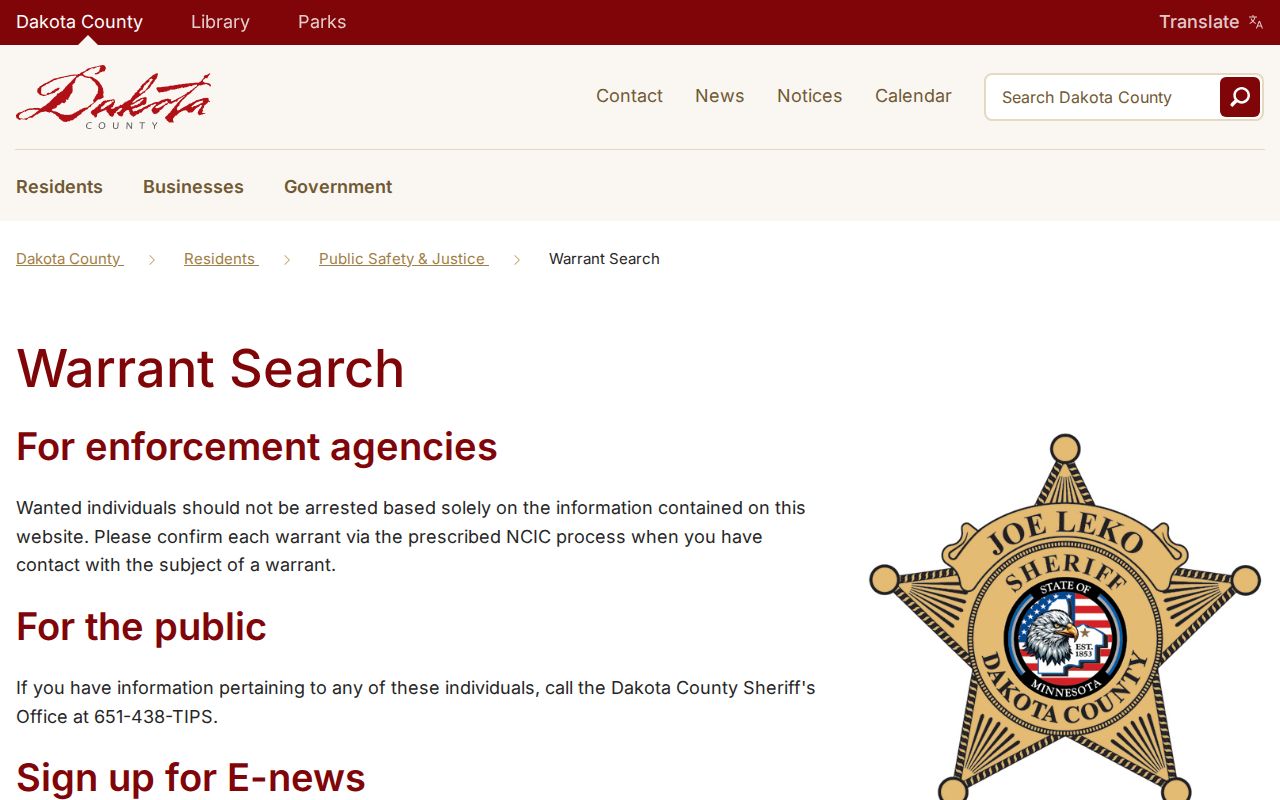
That county form stays local. It covers one sheriff's list in Minnesota, not other counties, and it never replaces confirmation from the issuing District Court.
Where Minnesota Warrants Are Checked
Minnesota has no single public warrant desk. MCRO opens many District Court case records from home. The county District Court Administration holds the actual file and can confirm court status. For execution, intake, and bond procedure, ask the Sheriff's Office or jail. Some counties post a local warrant search. Other Minnesota counties point you to the court and sheriff by phone or in person. A local list is only one county's snapshot. The county directory routes each search to the right court and Sheriff's Office. Need more than the online search gives? Ask the court about public-access terminals at the courthouse, or request public government data from the agency that holds it. The BCA warrant file is no public substitute. It is a restricted criminal-justice resource, and its statutory coverage does not make it a statewide lookup. Minnesota also has no public statewide failure-to-appear or license-hold lookup. Driver and Vehicle Services covers license status, not warrant confirmation. The Minnesota warrant system overview explains the deeper machinery. One Minnesota county data-practices page shows a local request route, though procedures and forms differ by county.
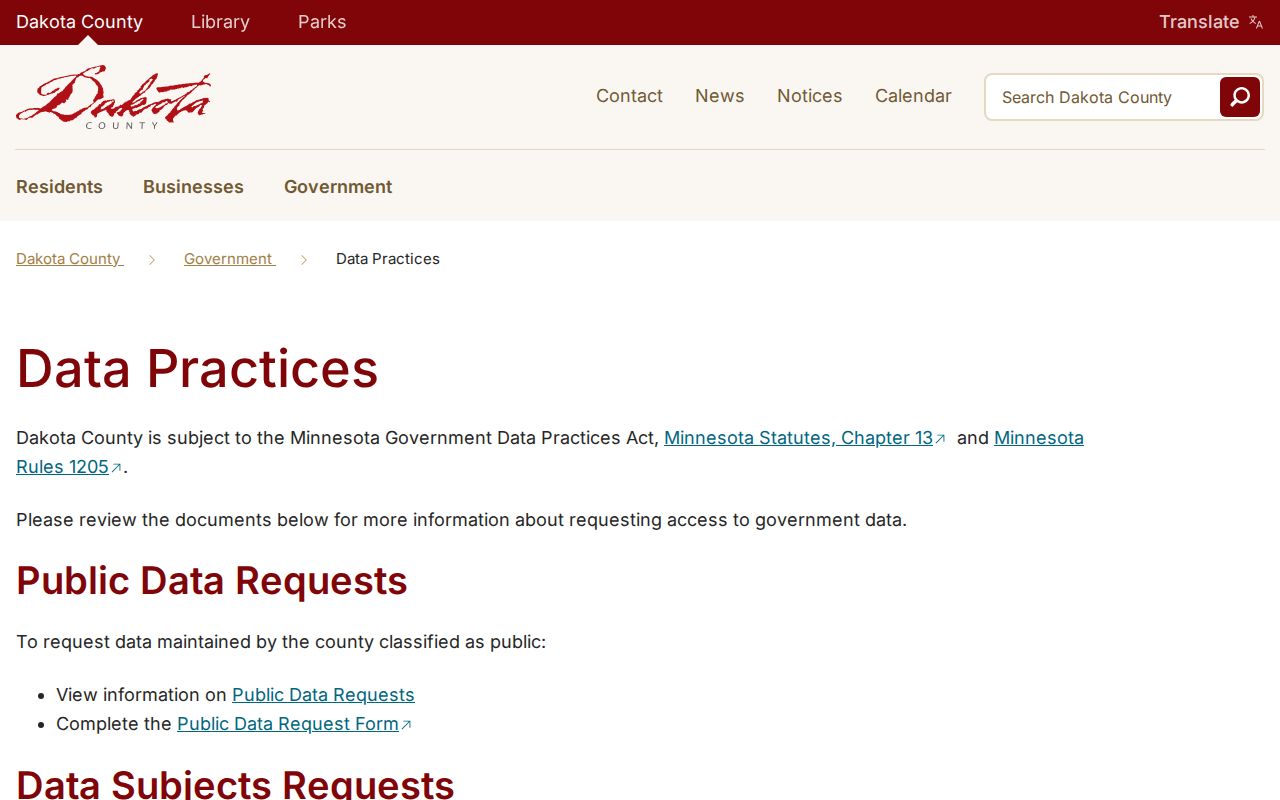
A data-practices request covers records an agency already holds. It cannot force the creation of a new warrant roster. Note: No county sheriff portal replaces case confirmation by the issuing Minnesota District Court.
Minnesota Juvenile and Search-Warrant Access
Not every Minnesota court record follows the same public path. Juvenile delinquency records are generally private under Minnesota Statutes section 260B.171. Statutory exceptions and the court's access rules can still open them in specific situations. If a remote name search returns no juvenile case, that does not establish whether a record exists. Ask the issuing court what access is allowed. Skip the broad alternate searches. Search warrants are different from arrest or bench warrants. The Minnesota Judicial Branch routes public access to search-warrant records through a courthouse public-access terminal, not MCRO's online document view. Sealed or confidential records stay restricted under court access rules. When a matter falls outside MCRO's remote scope, Court Administration can explain the proper route for that case type.
| Record type | Public route | Limit to keep in mind |
|---|---|---|
| Public District Court case | MCRO, then Court Administration | Remote access may omit or restrict a case. |
| Juvenile delinquency | Ask the court about permitted access | Generally private, with statutory exceptions. |
| Search warrant | Courthouse public-access terminal | Not the same record type as an arrest warrant; not in MCRO online documents. |
| Law-enforcement warrant data | Authorized criminal-justice network | Not a public self-search service. |
- Failure to appear (FTA)
- Not coming to court at the required time; the outcome depends on the case and court order.
- Warrant flag
- A party or case indicator that should be checked against the correct file’s Warrants section.
- Recall
- When the issuing court withdraws or cancels a warrant.
- MNPAC terminal
- A courthouse public-access terminal; Minnesota directs public search-warrant access there rather than to MCRO’s online documents.
The line is about access and record type. A limited online view never changes which Minnesota court issued the order.
Access and Restricted Warrants
Judicial Branch rules govern access to Minnesota court records. Law-enforcement data follows a different framework. It is classified under the Minnesota Government Data Practices Act and related statutes. Under section 13.82, subdivision 19, arrest-warrant-index data held by law enforcement stays confidential until custody, service, or a court appearance. An agency may release it earlier when disclosure serves a public purpose. Requests get reviewed under those classifications. No Minnesota agency has to build a missing list. Looking at public government data is generally free. Copies may carry reproduction charges, and the BCA request form notes that fees may apply above 200 pages without stating a current rate. Court records answer to separate judicial access rules. For a certified copy or anything not available remotely, contact the county Court Administration and ask about a courthouse terminal.
Key Rules: A missing Minnesota MCRO result or county-list entry does not prove that no warrant exists. Juvenile, sealed, and restricted files have additional limits. A law-enforcement arrest-warrant index may remain confidential until a statutory release event. Use case or citation details when possible, then confirm status with the issuing District Court and county Sheriff’s Office.
The BCA public-data request form offers inspection or copy options for data the BCA holds. Classification review still applies. Name the record type and time period. The county public-data request form shell is one local Minnesota example; request routes and available fields differ across counties.
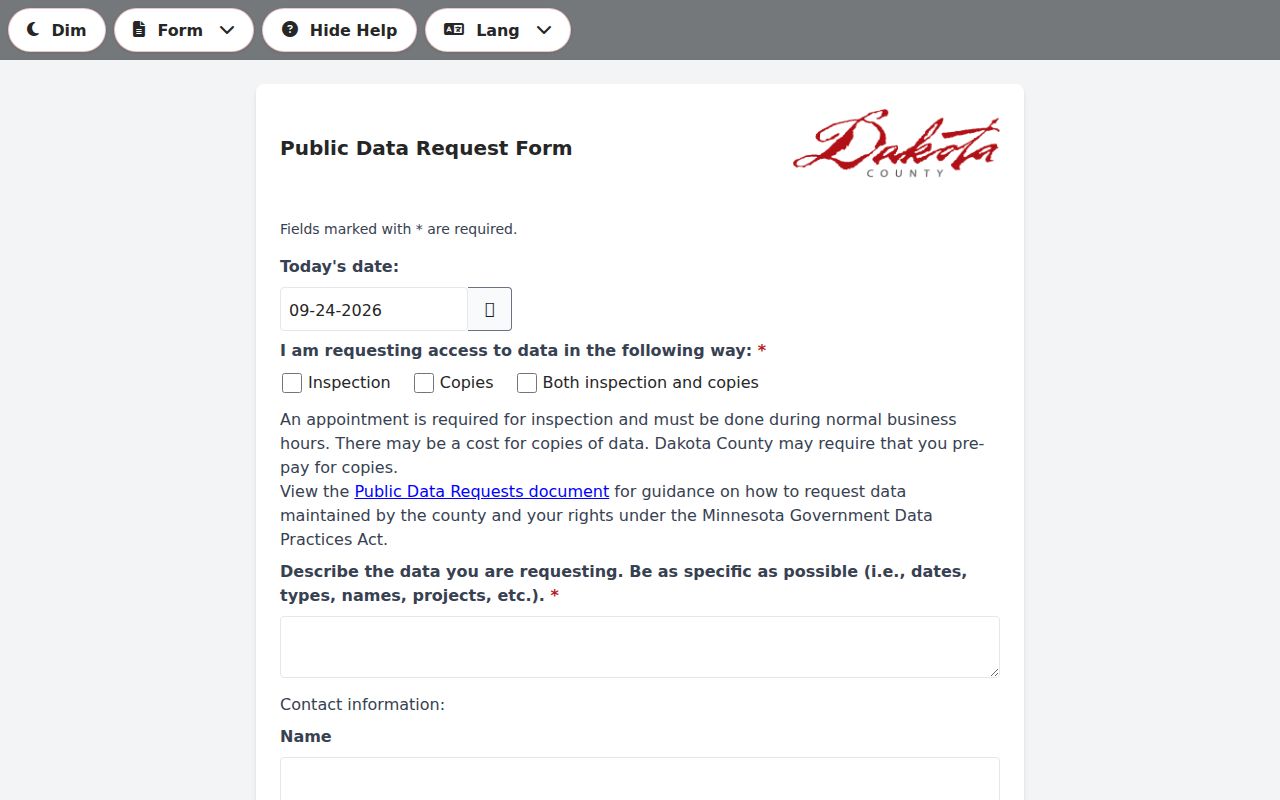
That form is a way to ask an agency for existing public records. It is not a warrant-status tool. Note: A law classifying the requested Minnesota warrant data as confidential can limit what a public request returns.
Minnesota Warrant Data Requests
A public-data request works when a Minnesota agency keeps a record that never made it onto a public page. It will not do the work of a full warrant search. The Minnesota Government Data Practices Act requires an agency to hand over the public data it already keeps, once it applies the right classification. The agency does not have to build a new report. It also withholds confidential active-warrant information. Court case files answer to Judicial Branch access rules instead, so a request to the BCA never substitutes for a call to the issuing court. Fill out the BCA form with your contact details, a plain description of the data you want, and a year or time period. Inspection costs nothing. Copies are different; the form warns that copy fees may apply over 200 pages, though no current per-page rate is published. Minnesota sets no single statewide completion deadline for these requests. Ask the county Court Administration about court status. For surrender or service questions, contact the county Sheriff's Office or jail. Use the Minnesota county directory to find which office holds the case. Keep any request narrow. Staff can only match a tight description to the records that actually exist.